


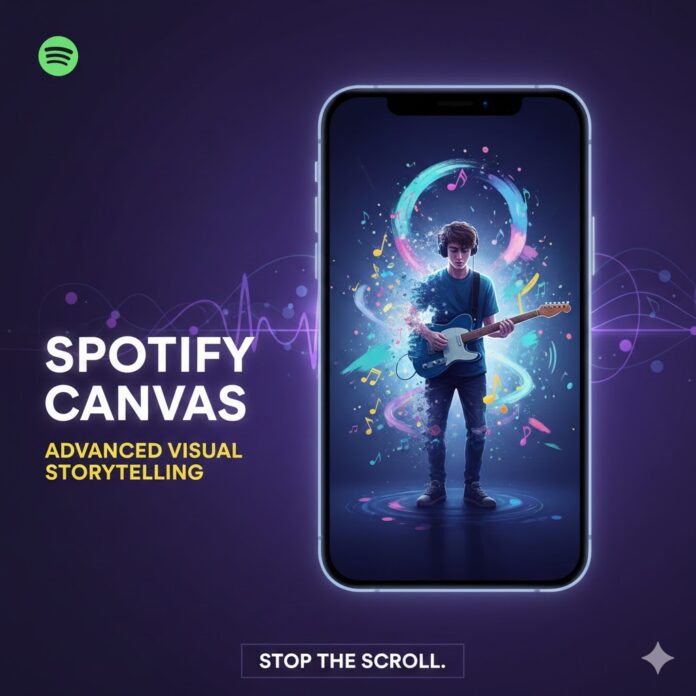
🎨 Spotify Canvas & Visual Loops: Advanced Storytelling Hacks That Stop the Scroll
In the hyper-visual landscape of digital music, static album art is no longer enough. The “Now Playing” screen on Spotify’s mobile app is a prime piece of real estate, and the Spotify Canvas feature is your artist identity’s visual megaphone.
Moving beyond basic, arbitrary video loops, this is your guide to using Canvas for advanced storytelling, achieving powerful brand consistency, and creating a visual identity that is inextricably linked to your music. The goal? To stop the scroll, drive engagement, and convert casual listeners into dedicated fans.
📈 The Engagement Data Speaks: Why Canvas Matters
If you’re wondering if a 3-to-8 second visual loop is worth the effort, the data is conclusive. Spotify has noted that tracks with a high-quality Canvas see significant lifts in key performance metrics:
-
Up to 120% Increase in Track Streams
-
Up to 114% Increase in Saves
-
Higher Rates of Artist Profile Visits and Shares
A well-executed Canvas doesn’t just look cool; it’s a critical tool for algorithmic visibility and authentic fan connection.
🖼️ Beyond the Loop: Advanced Storytelling Techniques
The 3 to 8-second limit is not a constraint; it’s an opportunity for impactful, condensed visual poetry. Here’s how to graduate from simple motion to narrative mastery:
1. Thematic Consistency: The “Album as a World” Approach
Instead of a random clip for each track, create a cohesive visual universe across your entire release.
-
The Narrative Arc: Use a consistent color palette, visual motif (like a recurring object, location, or symbol), or character across all tracks. For example, one artist might use the same flickering TV visual with slightly different surreal scenes for every song on an album, suggesting a continuous, unsettling dream.
-
Sequential Storytelling: Design the Canvases to tell a story in parts, so that a listener playing the album chronologically experiences a developing plot or emotional journey.
-
Mood Matching: Ensure the mood, lighting, and movement in the Canvas perfectly mirror the song’s energy. A chill, acoustic track should have soft, slow, or abstract animation, not rapid cuts or high-energy flashing.
2. Strategic Looping: The Illusion of Infinity
The transition between the end and beginning of your 3-8 second clip is crucial. A jarring cut breaks the immersion.
-
Continuous Loop: This is the most seamless, polished approach. The first and last frames are nearly identical, making the visual flow perpetually. This requires careful editing but yields a mesmerizing, professional result.
-
Rebound Loop (Forward/Reverse): The easiest way to guarantee a smooth loop. The clip plays forward, then immediately reverses. This effect is fluid and often mesmerizing, perfect for simple movements or abstract graphics.
-
Hard Cut (Disguised): If a hard cut is necessary for a narrative beat, disguise it artfully. For example, have the scene “flash to white” or “fade to black” for a moment that naturally serves as the edit point.
🛡️ Brand Consistency: Your Visual Identity Toolkit
Your Spotify Canvas is the front line of your visual brand. Use it to solidify your artist identity so fans instantly recognize your work.
-
Color Palette Integration: Use the primary and secondary colors of your established brand style guide (or album art) within the Canvas. Consistent color schemes on Spotify for Artists—from your profile picture to your banner and all your Canvases—build instant recognition.
-
Signature Motifs: Incorporate a unique visual element that is yours, whether it’s a specific font, a hand-drawn doodle, a geometric shape, or a stylistic filter. This motif should echo in your album art and social media content.
-
Profile Cohesion: Remember that your Canvas is part of a larger ecosystem. Stitch your visual vision together across your Album Art, Profile Picture, Header Image, and Playlist Covers to create a unified and professional artist brand.
✅ Best Practices & Technical Specs (The Must-Haves)
To ensure your advanced storytelling doesn’t fall flat, adhere to these technical guidelines:
| Specification | Requirement | Storytelling Note |
| Duration | 3 to 8 seconds (aim for maximum length) | Use the full 8 seconds to build the most comprehensive visual story. |
| Aspect Ratio | 9:16 (Vertical) | Optimized for mobile screens. Keep key action in the “safe zone” (central area) to avoid player control overlap. |
| Resolution | Minimum 720p (720x1280px) | Aim for 1080x1920px for crisp, high-quality viewing. |
| Content | NO singing/talking/rapping; NO rapid cuts or flashing. | The clip is not synced to the lyrics, so avoid lip-syncing attempts. Subtlety is more engaging than chaos. |
🚀 Final Hack: The Shareability Factor
One of the most powerful features of Canvas is its integration with social media. When a listener shares your track to an Instagram or Facebook Story, the Canvas loops in the background.
Your Advanced Hack: Design your Canvas to be intentionally shareable. Create a visually striking scene that makes the listener feel compelled to share what they are experiencing.
By viewing your Spotify Canvas not as a simple video file, but as a critical 8-second chapter in your overarching artist story, you transform a background visual into a powerful, scroll-stopping promotional tool.





















 🔥 Limited Time: Get 55% OFF All Plans - Ends in: