


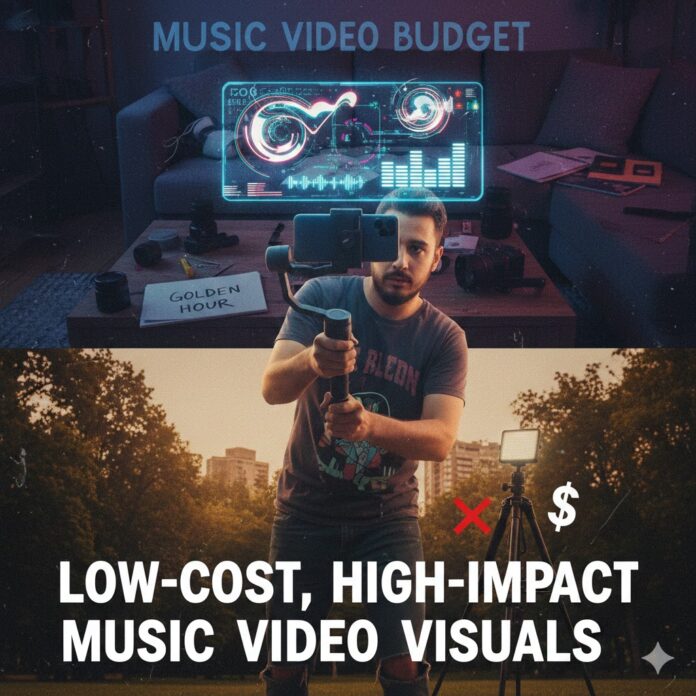
💰 How to Budget for Your First Music Video: The Low-Cost, High-Impact Visual Strategy
Your music deserves a professional-looking music video—but you don’t need a major label budget to get it. The secret lies in smart planning, strategic resource allocation, and leveraging today’s incredible technology.
This guide breaks down how to build a budget for your first high-impact music video, focusing on minimizing costs while maximizing visual quality.
💡 Phase 1: Pre-Production – Where Great Concepts Save Money
The most crucial step in a low-budget video is the concept and planning. A brilliant, simple idea can easily outperform an expensive, poorly executed one.
-
Develop a Strong, Simple Concept: Focus your narrative around a single, compelling visual hook or location. This cuts down on shooting days, travel, and crew size.
-
Cost Saver: DIY music videos that lean into a raw, authentic, or intentionally lo-fi aesthetic can be incredibly successful. Don’t try to look like a blockbuster—own your unique style.
-
-
The Power of Storyboarding: Use a storyboard (even simple sketches!) and a detailed shot list to ensure you only film what you need. This prevents costly reshoots and wasted time on the day.
-
Talent and Wardrobe: Leverage your network. Cast friends and family for free or low cost, and build the costume and makeup plan around what you, your cast, and your collaborators already own.
| Pre-Production Element | Low-Budget Allocation |
| Creative Director/Script | $0 (Self-directed/Self-written) |
| Storyboarding/Shot List | $0 (DIY or free online tools) |
| Casting/Talent | $0 – $300 (Friends/small fees for one professional actor) |
🎥 Phase 2: Production – Smart Gear and Location Choices
Production is often the biggest budget sink, but you can achieve a professional look with a streamlined gear list and strategic location choices.
1. Essential Gear: Quality on a Shoestring
Forget renting high-end cinema cameras like ARRI or RED. Modern DSLR/Mirrorless cameras or even the latest smartphones offer incredible 4K quality that is more than sufficient for an impactful music video.
-
Camera: Use a modern smartphone (shoot in landscape, 24fps for a cinematic look, and use a manual control app) or an entry-level mirrorless camera (e.g., a Canon or Sony body).
-
Stabilization: Shaky footage screams “amateur.” Invest in or rent a gimbal/stabilizer or a simple tripod to ensure fluid movement.
-
Lighting: Good lighting makes any camera look professional. Prioritize natural light (like shooting during the “golden hour”). For indoor shots, a cheap but effective solution is buying clamp lights and flood bulbs from a hardware store for indirect, soft lighting. A simple 5-in-1 reflector is a must-have for manipulating natural light.
-
Audio: Since your song is pre-recorded, a portable speaker to play the track for lip-syncing is all you need on set.
2. Location Permits: The Key Cost-Cutter
Filming in public spaces often requires a filming permit, which can cost money and require insurance.
-
Location Strategy:
-
Prioritize Free Locations: Use your own home, a friend’s studio, or a private property where you have permission from the owner. Building your story around an available free location is the ultimate cost-saver.
-
Avoid Permits: If you choose a public space (like a street or park), keep your crew minimal (guerrilla-style filmmaking) and use only handheld equipment (no big tripods or light stands) to avoid triggering permit requirements. Check your local government or film commission’s rules first, as fees can vary drastically and may also require you to pay for things like police officers for traffic control.
-
| Production Element | Low-Budget Allocation |
| Camera/Stabilization | $100 – $300 (Rental or low-cost tripod/gimbal) |
| Lighting | $50 – $150 (Hardware store lights, reflector) |
| Location Fees/Permits | $0 – $500 (Focus on free/private locations) |
| Crew (DP/PA) | $0 – $500 (Call in favors, hire a student or freelancer) |
🤖 Phase 3: Post-Production – Leveraging AI for VFX
Post-production is where your video gets its polish, and today’s AI tools can give you visual effects (VFX) that once cost thousands.
-
Editing & Color Grading: Use affordable, powerful editing software like DaVinci Resolve (which has a free version) or Canva/CapCut for fast, simple cuts. A professional color grade (adjusting color and tone) is vital for a cinematic look and can be done effectively in free software.
-
AI Visual Effects (VFX): You can dramatically elevate your video with AI-generated B-roll or effects.
-
AI Text-to-Video Generators like Runway (freemium plans available) or CapCut’s AI features allow you to create surreal, conceptual clips from a text prompt. You can then intersperse these clips with your live-action performance footage to create a hybrid aesthetic that looks incredibly high-end.
-
AI Editing: Tools like Descript can speed up editing by allowing you to edit the video by editing the transcript, or Canva’s Beat Sync feature can automatically match your footage to your track’s rhythm.
-
| Post-Production Element | Low-Budget Allocation |
| Editing Software | $0 – $50 (Free/Low-cost tools like DaVinci Resolve or Canva) |
| Color Grading | $0 (Self-done in editing software) |
| Visual Effects (VFX) | $0 – $50 (Freemium/Basic AI tool subscription) |
By committing to a strong concept and a DIY-first mindset, you can shift your budget from unnecessary expenses to the few key areas that truly deliver professional impact.

















 🔥 Limited Time: Get 55% OFF All Plans - Ends in: