


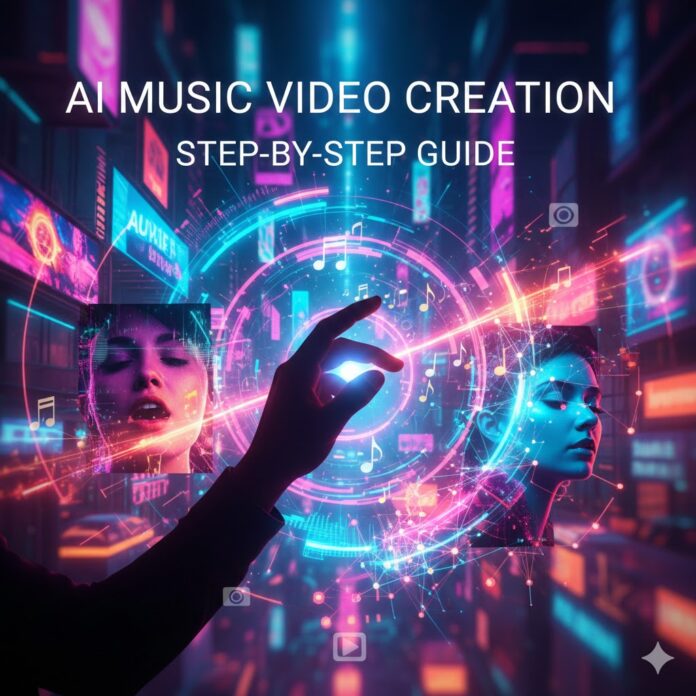
🤖 Lights, Camera, AI: Your Step-by-Step Guide to Creating Professional Music Videos
The landscape of music video production is being revolutionized by Artificial Intelligence (AI). No longer do you need a blockbuster budget, a massive film crew, or months of post-production to create a stunning visual complement to your song. AI tools now allow independent artists, producers, and content creators to turn an idea into a cinematic experience with unprecedented speed and affordability.
This SEO-rich guide breaks down the essential steps to master AI music video creation, from generating your track to syncing the final visual masterpiece.
🎶 Step 1: Lay the Foundation with an AI-Generated Song
While you can, of course, use your own track, AI offers a fast, low-cost path to creating a fully produced song complete with vocals.
-
Choose your AI Music Generator: Tools like Suno AI or other specialized platforms allow you to input lyrics and a style (e.g., “upbeat 80s synth-pop,” “moody indie rock ballad”).
-
Craft Your Prompt: Be specific about the genre, mood, instrumentation, and structure (Verse, Chorus, Bridge, etc.).
-
Generate and Refine: Listen to the AI’s output. Many tools let you tweak sections—changing the instrument, tempo, or vocal style—and regenerate until you have the perfect soundtrack. Once finalized, download your audio file.
💡 Step 2: Conceptualize and Write Your Visual Prompts
A great AI video starts with great text prompts. Think like a director translating the song’s energy and story into visual cues.
-
Analyze the Song: What is the core emotion or narrative? Divide the song into key visual moments (e.g., Intro, Verse 1, Chorus).
-
Create a Shot List/Storyboard: Sketch out or simply write down the visuals for each segment. Where is the setting? Who is the character? What action is taking place?
-
Example Prompt Breakdown:
-
Setting/Location: “a futuristic cyberpunk city glowing with neon billboards at night”
-
Mood/Atmosphere: “romantic and ethereal, cinematic lighting”
-
Action: “a lone figure running on a rooftop, rain slicking the pavement”
-
Style: “cinematic, 4K, ultra-detailed, directed by Denis Villeneuve”
-
-
-
Maintain Consistency: If you have a main character or visual style, use a consistent prompt or a seed image (if the tool supports it) across all your scene generations to ensure visual continuity.
🎬 Step 3: Generate Your Video Clips with AI Tools
This is where your text prompts transform into motion. You’ll use specialized AI video generators to create short, high-quality clips.
-
Select Your Tool: Leading AI video generators like Runway’s Gen-3 Alpha, Luma Dream Machine, or integrated platforms like Neural Frames offer text-to-video and image-to-video capabilities.
-
Text-to-Video (T2V): Input your detailed prompts and generate short clips (typically 4-12 seconds). Generate more clips than you think you need, as you’ll select the best ones in the editing stage.
-
Image-to-Video (I2V) & Character Consistency: If you designed a specific character image in Step 2, use the image-to-video function to keep that character consistent across different scenes, only changing the background or action in your prompt.
-
Lip-Sync (Optional but Impactful): For vocal sections, use a specific AI lip-sync tool (often found within platforms like Synthesia or dedicated tools). Since these often require shorter audio clips, you may need to split your song into 5–10 second vocal segments beforehand.
✂️ Step 4: The Final Assembly and Syncing
The final step is stitching your generated clips together and synchronizing them perfectly with the music.
-
Use Video Editing Software: Load your clips and the master audio track into a standard editor like DaVinci Resolve (free), Adobe Premiere Pro, or Final Cut Pro.
-
Sync the Beat: Arrange your AI-generated clips on the timeline, ensuring the visual pacing and scene changes match the rhythm and mood shifts of your music. This is the most crucial part of making the video feel professional.
-
Add Polish: Apply final touches:
-
Transitions: Use smooth cuts or stylized transitions to link scenes.
-
Color Grading: Apply a consistent visual filter or color grade to give the entire video a cohesive, cinematic feel.
-
Effects: Incorporate subtle visual effects, overlays, or a lyric visualization layer if desired.
-
📈 SEO Tips for Your AI Music Video
Don’t let your groundbreaking video get lost in the digital noise! Optimize your content for discovery.
-
Keyword-Rich Title: Your video/blog title should include the artist name, song title, and keywords like “AI Music Video,” “AI Generated,” or “Made with AI.” (e.g., “Artist Name – Song Title [Official AI Music Video]”)
-
Detailed Description: Write a compelling description that includes the story, the AI tools used (Runway, Sora, etc.), and the song’s genre. Use relevant keywords naturally throughout the text.
-
Optimized Tags: Use a mix of specific tags (artist name, song name, genre) and broad, high-volume tags (“AI video generation,” “text to video,” “music video tutorial”).
-
Embed and Share: Embed your final video on your blog post (like this one!) and promote it across all social media platforms.
This step-by-step process empowers you to leverage the best AI music video makers available today, creating high-production-value content that was previously out of reach. Start experimenting and bring your musical vision to life!











 🔥 Limited Time: Get 55% OFF All Plans - Ends in: