


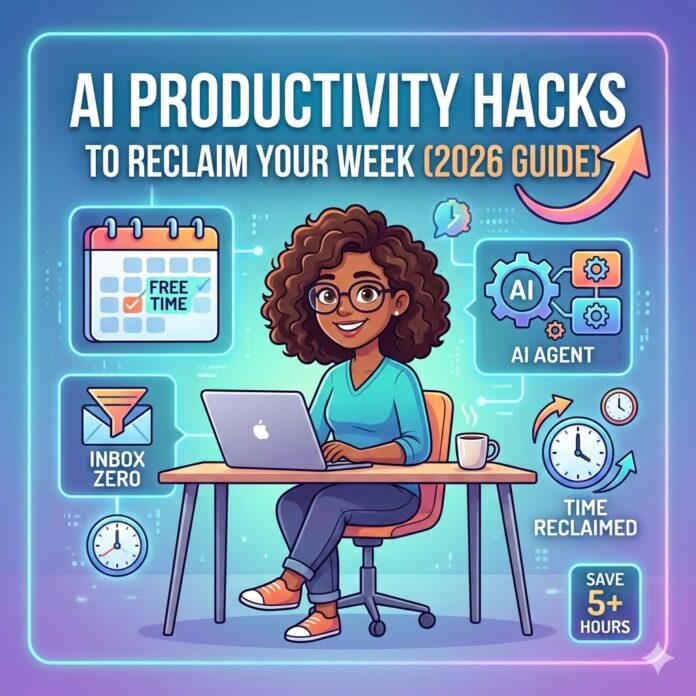
I Reclaimed 5 Hours of My Week Using AI (And No, I’m Not Just Prompting Chatbots)
Most “AI productivity tips” you see lately are just people telling you to ask a chatbot to write an email. We’ve moved past that. It’s 2026, and if you’re still copy-pasting back and forth between tabs, you’re working way harder than you need to.
I’ve spent the last few months aggressively testing how to actually get AI to do the “boring stuff” so I can go back to doing the work I actually enjoy. Here is what’s actually moving the needle for me right now.
1. Let Your AI Be the “Note Taker” You Never Had
We’ve all been in those meetings where you’re so busy scribbling down action items that you’re not actually listening. I’ve stopped doing that entirely.
I now set my meeting assistant (like Gemini Live) to “Action-Item Only” mode. It doesn’t just give me a massive transcript I’ll never read; it pings my project manager tool the second we agree on a deadline. It’s a game-changer for staying present in the conversation.
2. The “Inbox Gatekeeper”
My inbox used to be where my productivity went to die. Now, I use an AI filter that categorizes mail by Intent.
-
The Reality Check: Most emails don’t need a “response”—they just need an acknowledgment. I let my AI draft those “Got it, thanks!” replies and keep them in my drafts. I only ever see the emails that actually require me to make a decision.
3. “Feynman-ing” New Skills
Whenever I need to learn a new tool or a weird technical concept by Monday morning, I use the “Explain it like I’m 5” trick, but with a twist. I ask the AI to play the role of a harsh critic. I’ll explain the concept back to it, and I tell it to “tear my logic apart” until I actually get it. It’s much faster than watching a three-hour YouTube tutorial.
Why the “Agent” Shift Matters
| The Old Way (2024) | The New Way (2026) |
| Asking a chatbot for ideas. | Setting an agent to do the task for you. |
| Spending an hour on a “Deep Dive.” | Getting a 30-second synthesized brief. |
| Manual scheduling tennis. | AI-to-AI calendar syncing. |
4. Protecting Your “Flow State”
There is nothing worse than getting into a groove on a project and then getting a notification for a “quick sync.”
I’ve started using an adaptive calendar. If it sees I’m typing 80 words per minute in a document or I’ve had the same complex app open for an hour, it automatically marks me as “Busy” and pushes non-essential meetings to the next day. It’s like having a digital bodyguard for your brain.
5. Stop Searching for Stock Photos
I used to spend way too much time on Unsplash looking for a photo that almost fit my brand. Now, I just describe exactly what I need and generate a custom image (like with Gemini 3 Flash). It’s 100% unique, and I don’t have to worry about five other blogs using the same “person at a laptop” photo.
The Golden Rule: The 80/20 Split
Here’s the thing: AI is great for the “bones,” but it’s terrible at the “soul.” Use it to build the 80% skeleton of your work—the research, the outlines, the data—but always spend that last 20% adding your own voice, your own hot takes, and your own mistakes. That’s the only way to make sure your work actually resonates with real people (and stays on Google’s good side).


















 🔥 Limited Time: Get 55% OFF All Plans - Ends in: